

You can test apps for money right from your phone. Companies pay people like you to try their app designs, websites, and ideas and tell them what you think. On UserCrowd, you can take lots of these studies without a computer, and for the ones that record your screen, there's the UserCrowd app.
All you need is a phone and a bit of spare time. Here's what the work is like and how to get started.
What "testing apps for money" means
Sites that pay you to test apps fall into three groups, and each one is a pretty different kind of work. It helps to know which one you're signing up for before you start.
UserCrowd is a user testing site. You'll give feedback on app designs, prototypes (early versions of an app or website), websites, and ideas. So there's no hunting for bugs, no playing games to reach the next level, and no downloading finished apps to try.
What user testing looks like on your phone
User testing is when companies ask real people what they think, so they can make their websites and apps better. You might try a website, an app design, or a prototype and tell them what you like, what you don't, and what's easy or hard to use. Other times, they just want your opinion on a new idea.
On UserCrowd, each piece of work is called a study. Here's what you might be invited to:
Surveys and quick tests, where you look at a design and answer a few questions.
Prototype tests, where you try an early version of an app or website and do some simple tasks.
Recorded tests, where your screen is recorded while you use a prototype or website, sometimes with your voice or camera too.
Interviews, where you talk with a researcher on a video call.
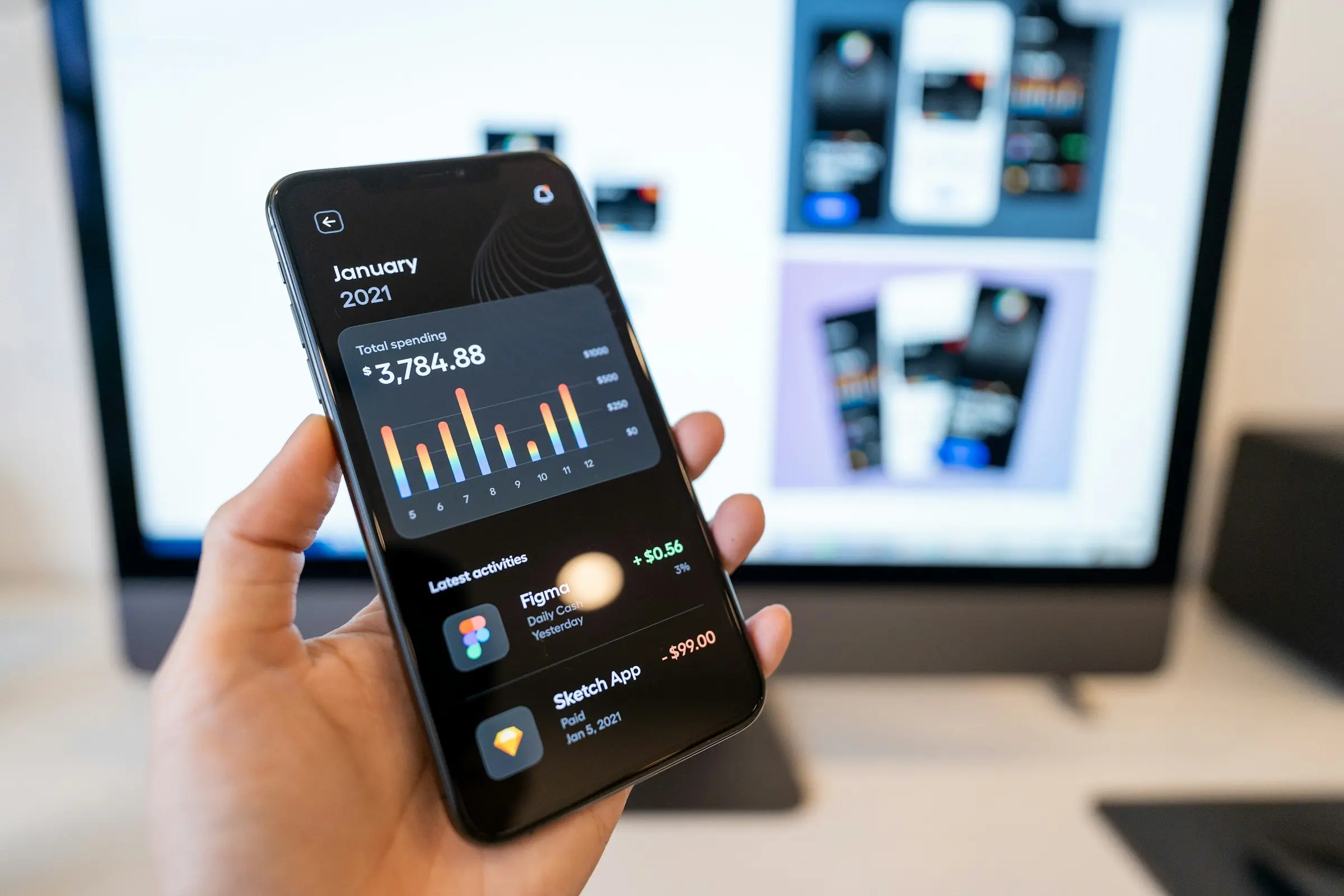
You can take studies on a phone, tablet, or computer. Some are made for one kind of device, but don't worry about guessing: the invite will tell you if a study is mobile-only or desktop-only. Live website tests, where you use a real website, only work on a desktop or laptop.
How to test apps for money with UserCrowd
Getting set up takes a few steps, but you only have to do most of them once.
Apply on the UserCrowd website. It's a short form, or you can sign up with Google or Apple.
Wait to hear back. New applicants go on a waitlist, and we'll email you if you're accepted.
Verify your email address and phone number.
Take the standard practice test, which shows you how studies work. It isn't paid, but once your answers are approved, invites can start coming in.
Fill in your profile. The more profile questions you answer, the more studies you're likely to match.
Set your availability and notifications so invites turn up when you're free to take them.
Take studies and build up your balance. Once it hits $10 USD, you can request a payout to PayPal.
There's also an optional recorded practice test. Pass it, and you can take recorded tests, live website tests, and interviews, which tend to pay more. You'll need a desktop or laptop for this one, but once you've passed, recorded tests can come to your phone through the app.
The UserCrowd app
The UserCrowd app lets you take studies and earn rewards on your phone. You'll find everything from the website in there: your dashboard, study invites, settings, and payouts. It can also do one thing your phone's browser can't, which is record your screen.
That's why some studies need the app. When you're invited to one that records your phone screen, the email has a link and a QR code. Tap the link on your phone, or if you're reading the email on a computer, scan the code with your phone. The app opens the study, or sends you to the App Store or Google Play to download it first.
Want to check it works on your phone? See the UserCrowd app in the help center.
You can get the UserCrowd app from the App Store or Google Play.
What gets recorded, and how to get ready
Before a recorded study starts, it tells you what will be recorded. Depending on the study, that could be:
Your screen, so everything on your phone is recorded while you do the tasks.
Your camera, which shows a small view of your face.
Your voice, as you talk through what you're thinking.
Recordings are only shared with the company that asked for the research. It's up to you which studies you take, and if you'd rather not be recorded at all, you can turn off recorded tests in your availability and notifications settings.

A few tips to help a recorded study go smoothly:
Turn on Do Not Disturb before you start. That way, calls, texts, and notifications won't interrupt you, and nothing personal ends up in the recording.
If the website or prototype you're testing asks to use your mic or camera, say no. The app's already recording, and saying yes can end the study.
Find a quiet spot if you'll be talking out loud, away from the TV and the washing machine.
One more important thing: keep screen recording on until the study ends. If you turn it off partway through, the study stops and your answers can't be sent, so you won't get paid for it.
How much can you earn testing apps?
You'll see each study's reward in the invite email and on your dashboard, and it's based on how long the study should take. Most tests are short and pay between $0.20 and $1.00. Recorded tests, live website tests, and interviews tend to pay more.
Think of UserCrowd as a way to earn extra money in your spare time. It won't replace a job, but it adds up. How many studies you get depends on who researchers are looking for, and studies can fill up fast. If you've ever opened an invite a few minutes late to find the spots already gone, you know the feeling. Turning on notifications helps you see invites sooner, and there are a few other ways to get invited to more studies.
Payouts go to PayPal, and your PayPal account needs to accept international payments. We aim to process payouts within 7 days, but when it's busy it can take up to 30 days. You'll find all the details in How do I get paid? in the help center.

FAQs about testing apps for money
Mostly, yes. Lots of studies work on your phone, but a few need a desktop or laptop, like live website tests and the recorded practice test.
Only for studies that record your phone screen. Everything else works in your phone's browser, but the app keeps your invites, dashboard, and payouts handy in one place.
No. UserCrowd will never ask you to pay to take part. We only use your PayPal account to send you the money you've earned.
Yes, you'll get invites by email, and you can choose how you're notified in your availability and notifications settings. If you use an iPhone, keep email notifications on, since browser push notifications don't work on iPhones.
Yes. Companies pay for user testing because they want honest feedback on their app designs and websites. Before you join any site, check that it explains how studies work, what they pay, and how you get paid. A real site won't ask you to pay to join. To compare a few options, see our guide to the best paid user testing sites in 2026.